Internet Safety And Website Building For Kids


Features


Website builder

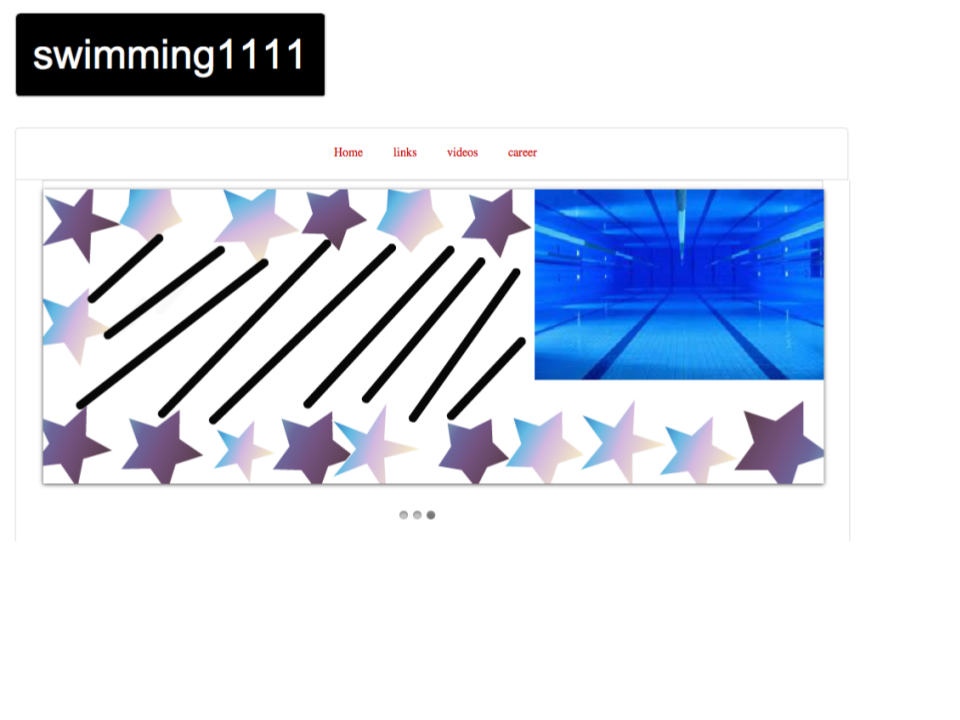
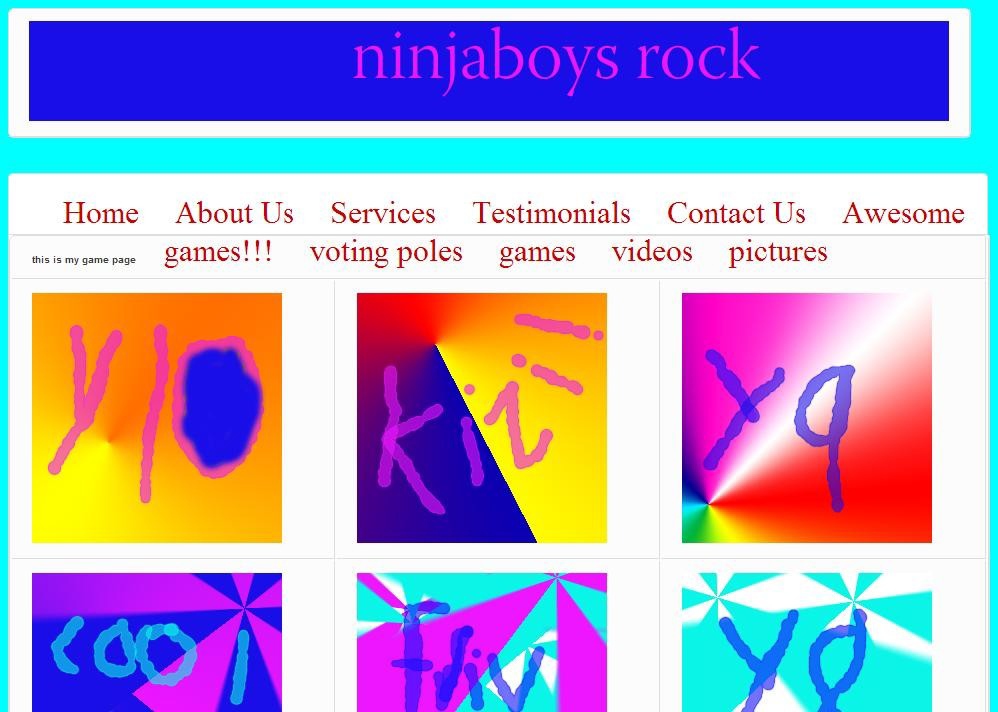
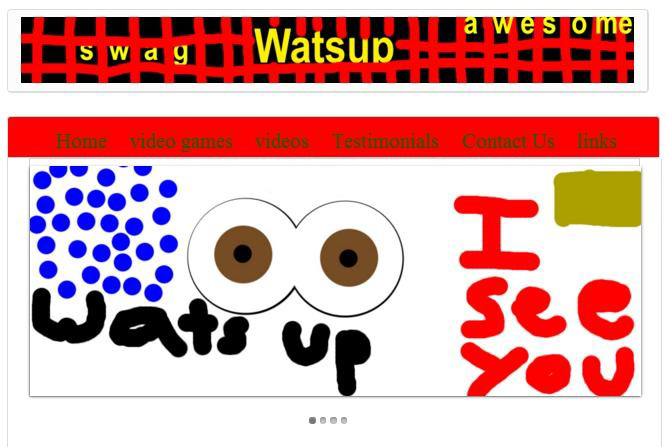
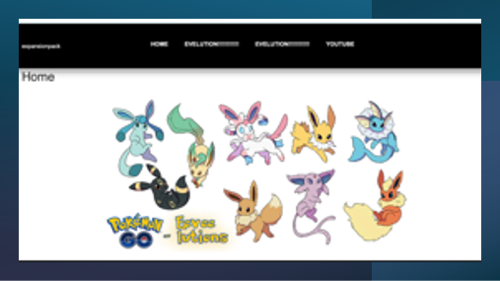
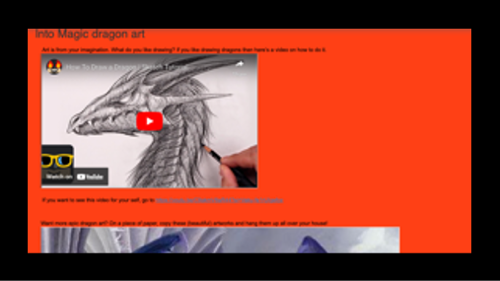
Our website builder empowers children to create personalized websites safely, that allows students to customize the formatting, pages, videos, colors, and images on their website


Video Tutorials

We recognize that every child learns differently. If your student prefers not to learn from the ebook, they can alternatively learn from our video tutorials, which cover the same levels.

eBook

Our ebook is structured in step-by-step levels, teaching your child new website-building skills with highlighted "Internet Safety Tips." Written in large fonts with plenty of engaging pictures to keep your child interested!

Internet safety tips for kids

At the start of each level, Kids Got Web incorporates easy-to-understand Internet Safety Tips, offering a teachable moment to enhance your child's digital safety and literacy in today's digital age.

Getting Started Video

Why Kids Got Web?


Kids build as they learn

Kids have fun while learning important lessons about online safety!


KGW helps kids build a solid foundation for navigating the Internet confidently and safely.

Self-paced learning

Kids can learn at their own speed, either independently or collaboratively with others.

Builds confidence

Kids Got Web's website builder incites child excitement and creativity.


With this, kids develop basic website identification and navigation skills necessary to their development.

Inclusive

Kids Got Web was designed for EVERY child!


Over 20,000 websites have been built by kids aged 5-15 over past 10 years.

🚀 Website Builder Levels 💡 Creative Mission
🌟 Level 1
Create Account
Every web designer starts somewhere! Students launch their digital journey by creating their own account and entering the world of website creation.
📄 Level 2
Add Pages
Students build the blueprint of their website by creating awesome pages like Home, About, and Pictures.
🎞️ Level 3
Add Slider Images
Time to make it pop! Students create moving image sliders that give their websites a modern, professional vibe.
🖼️ Level 4
Add Images
Students add bold visuals and creative images to transform plain pages into eye-catching experiences.
🎥 Level 5
Add Videos
Lights. Camera. Website! Students bring energy to their pages by embedding fun and interactive videos.
🔗 Level 6
Add Links
Students connect their websites to the internet universe with clickable links and navigation magic.
✏️ Level 7
Format Text
Students level up their creativity by styling text with cool fonts, colors, and layouts that stand out.
🎨 Level 8
Update Menu Colors
Students personalize their websites with stylish menu colors that match their unique creative vision.
🖥️ Level 9
Add Header Image
First impressions matter! Students design bold header images that instantly grab attention.
🚀 Level 10
Add Footer
Students finish strong by adding sleek footers with their designer name for finishing touches.

Simple, Scalable Pricing

Internet safety education designed to be easy, engaging, and enjoyable for students, families, educators, and organizations.

Try It Free

Free Trial

Free

3 Day Access

  • Full platform access
  • Internet safety lessons
  • Interactive web activities
  • Easy setup and onboarding
Sign Up
Schools & Programs

Classroom

$9/student/month

Min 25 Students • Billed Annually

  • Student progress tracking
  • Teacher dashboard
  • Internet safety curriculum
  • Optional staff professional development
Get Quote
Best Value

Enterprise

Custom

Districts & Large Organizations

  • Advanced analytics & reporting
  • Professional development
  • SSO & organization management
  • Dedicated onboarding & support
Explore

What our customers say

Awesome!

My third graders have been using KidsGotWeb for the past two years and they absolutely love it. The program takes them through every step to create a website from scratch. They learn how to actually make a site, not just move pieces around in a template. The excitement in the room is palpable when they are putting their ideas together o their own site. This year, I have a student who’s brother was in my class two years ago. His parents asked me if we would be using KidsGotWeb again because they were so impressed with it and with his enthusiasm for learning about technology, coding and expressing his ideas through his website.

Outstanding!

As a small, independent charter school principal, having responsive people who can help solve problems is essential. Increasingly education involves teaching about and using technology. Ms. Ellis from LMBE Solutions has been an important partner in making sure my staff are able to use technology effectively in their teaching and my students learn about how to productively use technology to learn.

Great Book!

My 8 year old son enjoyed working on his website because it allowed him to explore and display his interests in a new format. The tutorials were easy to follow and after a few tries, he was able to put together his website all on his own. We had a few challenges with the headers in some sections but overall, a fun experience for him.

No Strangers!

I had fun building my website. I also learned not to talk to strangers on chat windows in games.

About Kids Got Web

Kids Got Web is a proven, scalable digital safety and website-building program that works for schools, after-school programs, and community organizations. Students learn essential internet safety skills by creating their own websites-making learning practical, engaging, and relevant.

The program has been running for over 10 years. It was originally created by Lakisha Brooks-Ellis, an educator, programmer, and AI and data science curriculum creator, for use in her own classrooms. As interest grew from other educators and families, Kids Got Web was refined into a ready-to-use, scalable program that requires minimal educator workload while delivering meaningful outcomes.

Kids Got Web is an effective, flexible, and budget-conscious solution for schools, organizations, and families at home.

Ready to bring Kids Got Web to your community?

View Plans

Kids Got Safe Movement

The movement was designed for Parents, Teachers, Administrators and Concerned Community Members to come together and discuss Internet Safety and Digital Literacy for Kids.

Next workshop May

Past Internet Safety For Kids Workshop for Parents


Websites built by kids